In 2026, having a website is essential. Today, people search online before trusting any business. Therefore, a professional website helps you stand out. It also builds trust and improves visibility.
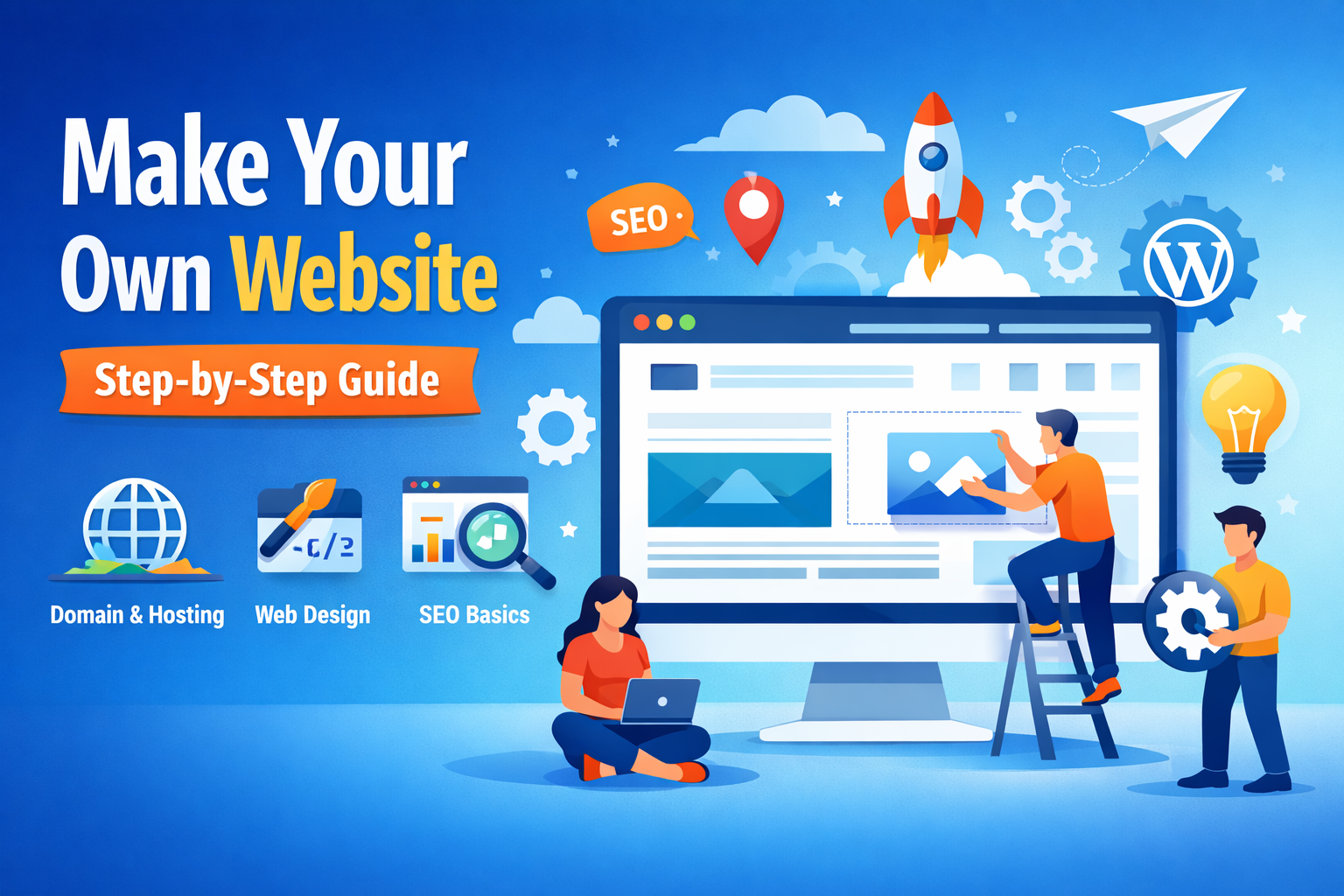
In this guide, you will learn how to make your own website. Moreover, you will understand when doing it yourself works best. Finally, you will know when professional help is the smarter option.
Why a Website Matters in 2026
First of all, a website works all day and night. As a result, customers can find you anytime.
Additionally, it improves credibility and brand value.
A website helps you:
- Appear in Google search results
- Share services and contact details
- Generate leads regularly
- Control your online identity
However, businesses without websites often lose customers. Therefore, having one is no longer optional.
Step 1: Decide the Website Purpose
Before you begin, decide your goal. Otherwise, you may waste time later.
Common website types are:
- Business websites
- Portfolio websites
- Blogs
- E-commerce websites
- Custom web applications
Because of this, your purpose will decide the design and features.
Step 2: Choose Domain and Hosting
Domain Name
Your domain is your website address. Therefore, keep it simple.
Follow these tips:
- Use a short name
- Avoid numbers and symbols
- Prefer
.comor.in
Hosting
Next, choose good hosting. It affects speed and security.
Always select hosting with:
- SSL (HTTPS)
- PHP and MySQL support
- cPanel access
- Reliable uptime
Otherwise, your site may load slowly. As a result, SEO can suffer.
Step 3: Pick the Right Technology
Now, choose how your website will be built.
Option 1: WordPress
This option is beginner-friendly.
Moreover, it requires no coding.
It is ideal for:
- Blogs
- Small business websites
Option 2: Custom Development
This option uses HTML, CSS, JavaScript, and PHP.
Therefore, it offers better performance and control.
Custom development is best if you want scalability.
👉 Explore Web Development Services:
https://vykt.in/#services
Step 4: Follow Good Web Design Practices
Design is not just about looks. Instead, it is about ease of use.
A good website should have:
- Mobile-friendly layout
- Fast loading speed
- Clean fonts
- Simple navigation
Additionally, every website must include:
- Home
- About
- Services
- Contact
- Privacy Policy
As a result, users trust your site more.
Step 5: Add Important Features
Next, add essential features. Without them, users may leave.
Your website should include:
- Contact form
- WhatsApp or call button
- Google Maps
- Secure HTTPS
- SEO-friendly URLs
Therefore, these features improve conversions.
Step 6: Learn Basic SEO
After building the site, focus on SEO. Otherwise, people may not find you.
Basic SEO steps:
- Write proper titles and descriptions
- Optimize images
- Improve page speed
- Make the site mobile-friendly
- Set up Google Search Console
👉 Learn more on the Vykt Care Blog:
https://vyktcare.com
Step 7: Test Before Launch
Finally, test your website carefully.
Make sure to:
- Test on mobile and desktop
- Check all forms and links
- Fix broken pages
As a result, visitors get a smooth experience.
DIY vs Professional Website
DIY Works If:
- You are learning
- Budget is low
- Website is temporary
Professional Is Better If:
- Website is for business growth
- SEO matters
- You need custom features
- Brand trust is important
Therefore, for serious businesses, professionals are the better choice.
Get a Professional Website with Vykt InfoTech
If you want a fast, secure, and SEO-ready website, expert help saves time.
Vykt InfoTech offers:
- Website design
- Custom development
- CRM solutions
- SEO-friendly websites
Contact Vykt InfoTech
Ultimately, a well-built website supports long-term growth.